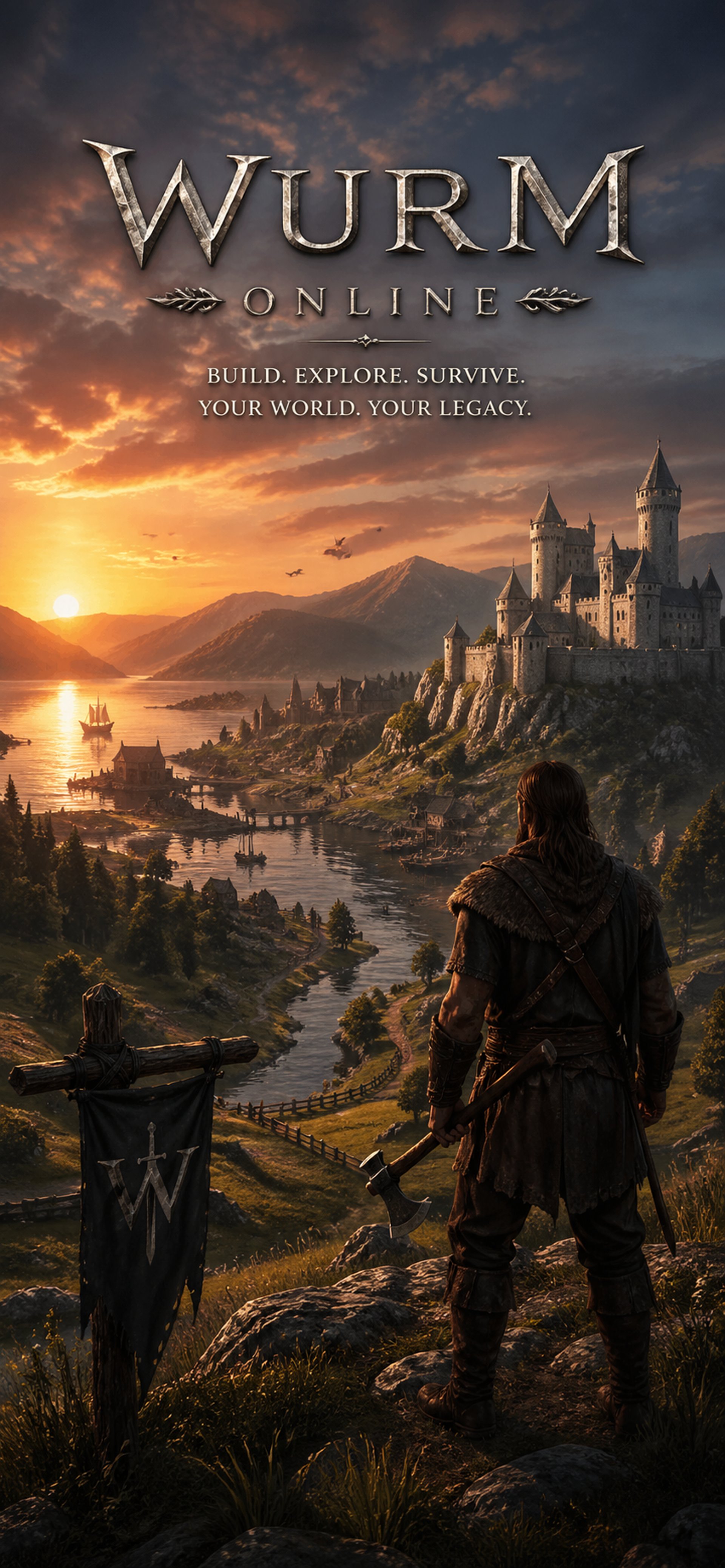
Welcome to House of Destion
Step into a medieval world where Wurm Unlimited thrives, 10x Skill gain and 10x Actions
Gallery
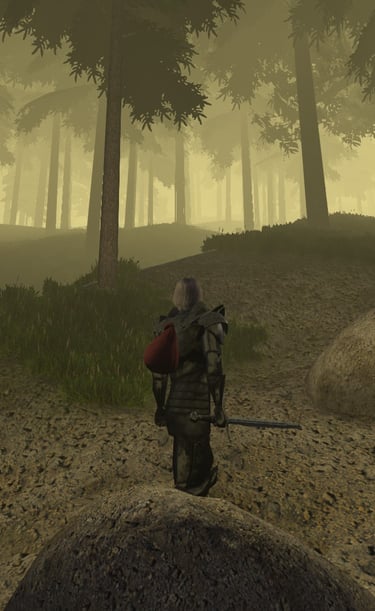
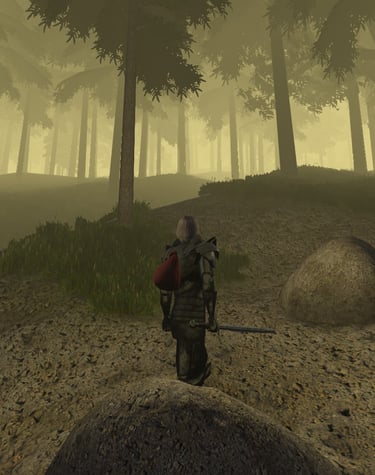
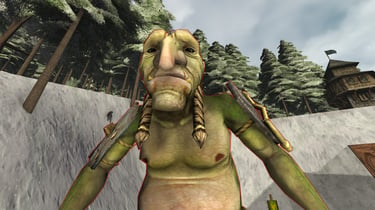
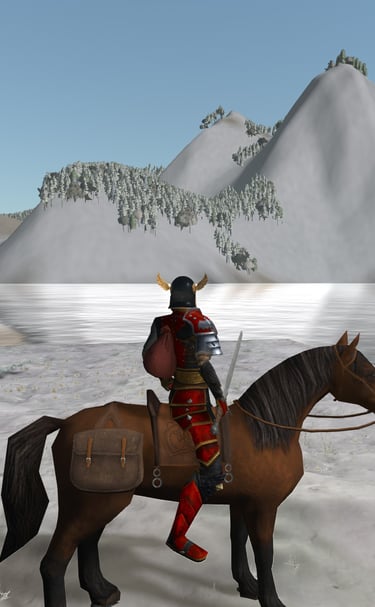

🛠️ Recommended Client Mods for House of Destion
Client-side mods are not required to play on House of Destion, but a few can make Wurm Unlimited much easier to navigate and enjoy—especially for new players.
These mods only change what you see or how your controls work. They do not change the server or give your character additional skills.
First: Install the Client Mod Launcher
Most Wurm Unlimited client mods require Ago’s Client Mod Launcher.
🔗 Download the Client Mod Launcher:
https://github.com/ago1024/WurmClientModLauncher/releases/latest
🎥 Video Installation Guide:
https://www.youtube.com/watch?v=NWEsGGJOBUQ
Basic Installation
Close Wurm Unlimited.
In Steam, right-click Wurm Unlimited.
Select Manage → Browse Local Files.
Open the WurmLauncher folder.
Extract the Client Mod Launcher files into that folder.
Run patcher.bat.
Once the patcher reports success, launch Wurm normally through Steam.
We recommend making a backup copy of your WurmLauncher folder before installing or updating mods.
📦 1. ServerPacks — Strongly Recommended
ServerPacks allows your client to automatically receive custom graphics, models, maps, and other resources used by a modded server.
House of Destion may use ServerPacks for custom server content, so this should be the first client mod you install.
🔗 Download:
https://github.com/ago1024/WurmClientModLauncher/releases/latest
On the release page, download the latest file beginning with:
serverpacks-client
🗺️ 2. Live HUD Map
Live Map adds a small, movable map window that reveals nearby terrain as you explore. It can display surface terrain, caves, slopes, roads, buildings, and your current position.
This is probably the single most helpful mod for players who are still learning their way around Wurm.
🔗 Download:
https://github.com/ago1024/LiveHudMap
🧭 3. Improved Compass
The Improved Compass gives you clearer directional information than the standard compass, making travel, roadbuilding, exploration, and map navigation considerably easier.
🔗 Download:
https://github.com/bdew-wurm/compass
📈 4. Skill Gain Tracker
Skill Tracker displays your recent skill gains in a dedicated window. It is very useful when comparing tools, training skills, testing different activities, or simply watching your character progress.
🔗 Download:
https://github.com/bdew-wurm/skilltrack
🔎 5. Better Tooltips
Better Tooltips displays additional useful information when hovering over creatures, structures, tiles, and items.
It reduces the amount of menu opening and examining required while playing.
🔗 Download:
https://github.com/bdew-wurm/tooltips
⌨️ 6. Custom Actions
Custom Actions allows players to create additional keyboard shortcuts for common Wurm actions. More experienced players can also build small action sequences using their toolbelt.
This one is optional for beginners, but it becomes extremely useful once you begin repeating jobs such as farming, repairing, mining, digging, and terraforming.
🔗 Download:
https://github.com/bdew-wurm/action
Installing Individual Mods
After installing the Client Mod Launcher:
Download the mod’s ZIP file from its GitHub page or Releases section.
Extract the ZIP into your Wurm Unlimited WurmLauncher folder.
Confirm that the mod appears inside:
WurmLauncher\mods
Run patcher.bat again.
Launch Wurm Unlimited normally through Steam.
Most correctly installed mods will have both a mod folder and a matching .properties file inside the mods folder.
Important Notes
• Only download mods from trusted GitHub repositories or links posted by the House of Destion staff.
• Client mods may need to be repatched after Wurm Unlimited receives an update.
• Install one or two mods at a time so that troubleshooting is easier.
• Client mods are installed on your own computer—not through the House of Destion server files.
• For help, post in our Discord support channel and include a screenshot of your WurmLauncher\mods folder.
These tools are optional, but ServerPacks, Live Map, Improved Compass, Skill Tracker, and Better Tooltips provide an excellent starting setup for most players.
Welcome to House of Destion—and may your roads be straight, your mines be reinforced, and your cart never become mysteriously stuck on a fence.
What Kingdoms are available?
Every player begins their journey with an important choice: Which kingdom will you call home?
House of Destion features four unique kingdoms, each offering a different experience while sharing the same world.
Jenn-Kellon, Mol Rehan, and Horde of the Summoned are the three PVP kingdoms. Each has its own capital, leadership, culture, and ambitions. Join one of these kingdoms if you want to help build settlements, recruit allies, participate in kingdom events, defend your homeland, capture objectives, and shape the political landscape of the server. As these kingdoms grow, their stories will be written by the players who live there.
For those seeking a more peaceful life, KingsHaven (Freedom Isle) serves as the server's permanent PvE kingdom. KingsHaven is a safe place to learn the game, master your crafts, build impressive deeds, trade with others, and enjoy Wurm without the pressures of kingdom warfare. Players are always welcome to remain in KingsHaven or, when they're ready for a new challenge, leave and pledge themselves to one of the three PVP kingdoms.
There is no wrong choice. Whether you're a fearless warrior, a master craftsman, an explorer, a merchant, or simply someone looking for a friendly community, there is a place for you.
Choose the kingdom whose values and community feel like home. The friends you make and the adventures you share will matter far more than the banner you fight beneath.
What is our Vision for the Server?
PvP should always have a purpose. We want battles over territory, HotA, dragons, special events, and kingdom pride—not random griefing or constant harassment. Every kingdom should have reasons to cooperate internally while competing externally.
Mods will be kept intentionally light. Every mod should answer one question: Does this improve the Wurm experience without replacing it? If the answer is no, we don't need it.
Community comes first. New players should feel welcomed, veteran players should feel challenged, and everyone should feel like their actions matter. We want a server where reputation is earned through leadership, craftsmanship, exploration, and bravery—not simply by having the strongest gear.
Our goal is not to create another heavily modded Wurm Unlimited server. We want to create a world that still feels like Wurm, while adding enough quality-of-life improvements to make it enjoyable and respectful of players' time.
The server is built around four distinct kingdoms.
Three are player kingdoms that can grow, recruit, wage war, form alliances, and build their own identities. The fourth is a permanent PvE sanctuary where players can learn the game, live peacefully, craft, trade, or simply choose not to participate in kingdom warfare.